How to Remove a Password from a PDF (You Have)
Remove PDF password protection when you already know the password and have permission to modify the document. Removing the password can make a PDF easier to open, edit, print, or share without repeatedly entering credentials.
When unlocking is appropriate
Documents you yourself password-protected. Documents shared with you with the password — bank statements, payslips, encrypted attachments. Documents your organization shares internally with a known password.
When it's not
Documents shared with you without a password where you've obtained the password through guessing, social engineering, or any unauthorized means. Removing protection from those documents may violate the document owner's rights and applicable laws.
How PDFPuddle unlocks
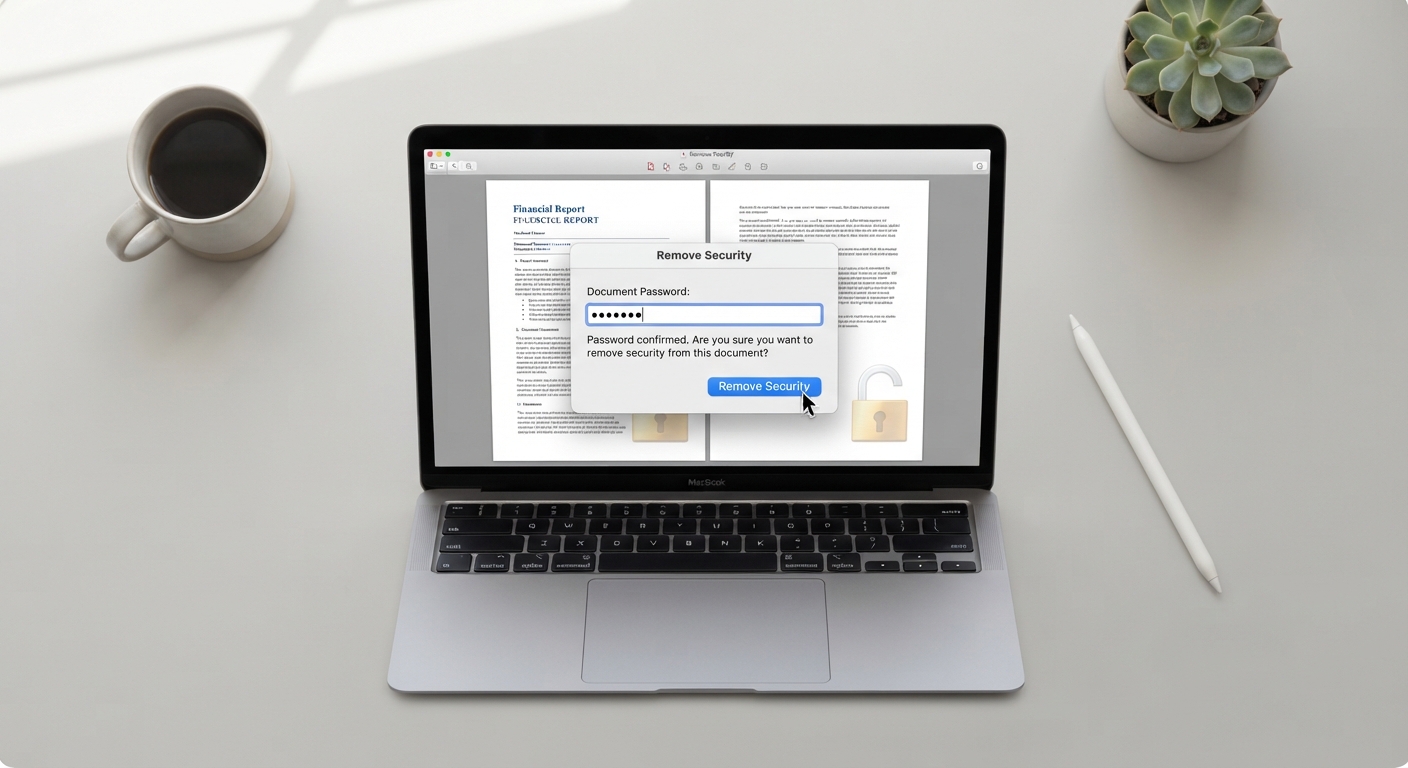
Upload the encrypted PDF, enter the password, click Unlock. PDFPuddle uses pdf-lib to decrypt the document client-side, then re-saves it without the protection flag. The new file is unrestricted and works in any viewer without prompting.
When unlocking fails
Some PDFs use AES-256 encryption that pdf-lib's current build can't decrypt. If unlocking fails with an apparently correct password, the encryption may be stronger than what client-side libraries support. For those cases, use Adobe Acrobat with the password.