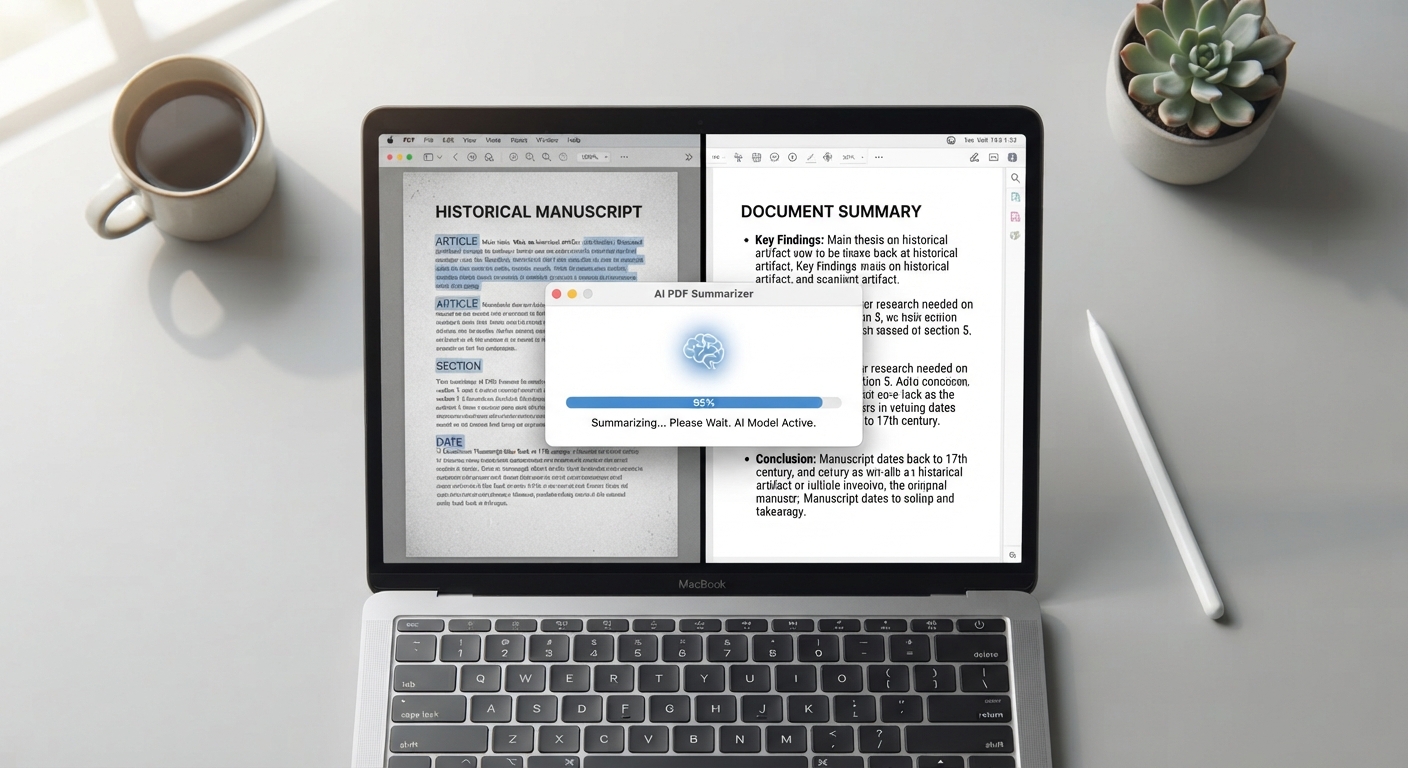
How to Summarize a PDF Using AI
Summarize PDF files with AI to quickly understand long documents without reading every page. AI PDF summarization can identify key points, important information, and main ideas from lengthy documents.
Step 1: Extract the text
Open AI Summarizer in PDFPuddle, upload your PDF, click Extract Summary. PDFPuddle returns a .txt file with all the document's text, organized page by page.
Step 2: Pick an AI assistant
ChatGPT, Claude, and Gemini all accept long text inputs (Claude handles especially long documents in a single message). For documents over ~50 pages, Claude's longer context window handles the input without needing to chunk.
Step 3: Craft a good prompt
Generic 'summarize this' produces generic summaries. Try: 'Summarize the key arguments and supporting evidence' for analytical reports. 'List the action items, who's responsible, and deadlines' for meeting transcripts. 'Extract the financial figures and what changed quarter-over-quarter' for financial reports. Specific prompts give specific summaries.
When to use this workflow
Annual reports, research papers, long contracts, meeting transcripts, technical manuals — anything where you need the gist before deciding whether to read in detail. For executive briefings, ask the AI to produce both a one-paragraph TL;DR and a bullet list of supporting points.