Tutorials, Guides & Updates
Practical guides on merging, splitting, compressing, signing, and converting PDFs — plus deeper articles on document privacy, e-signature law, and accessibility.
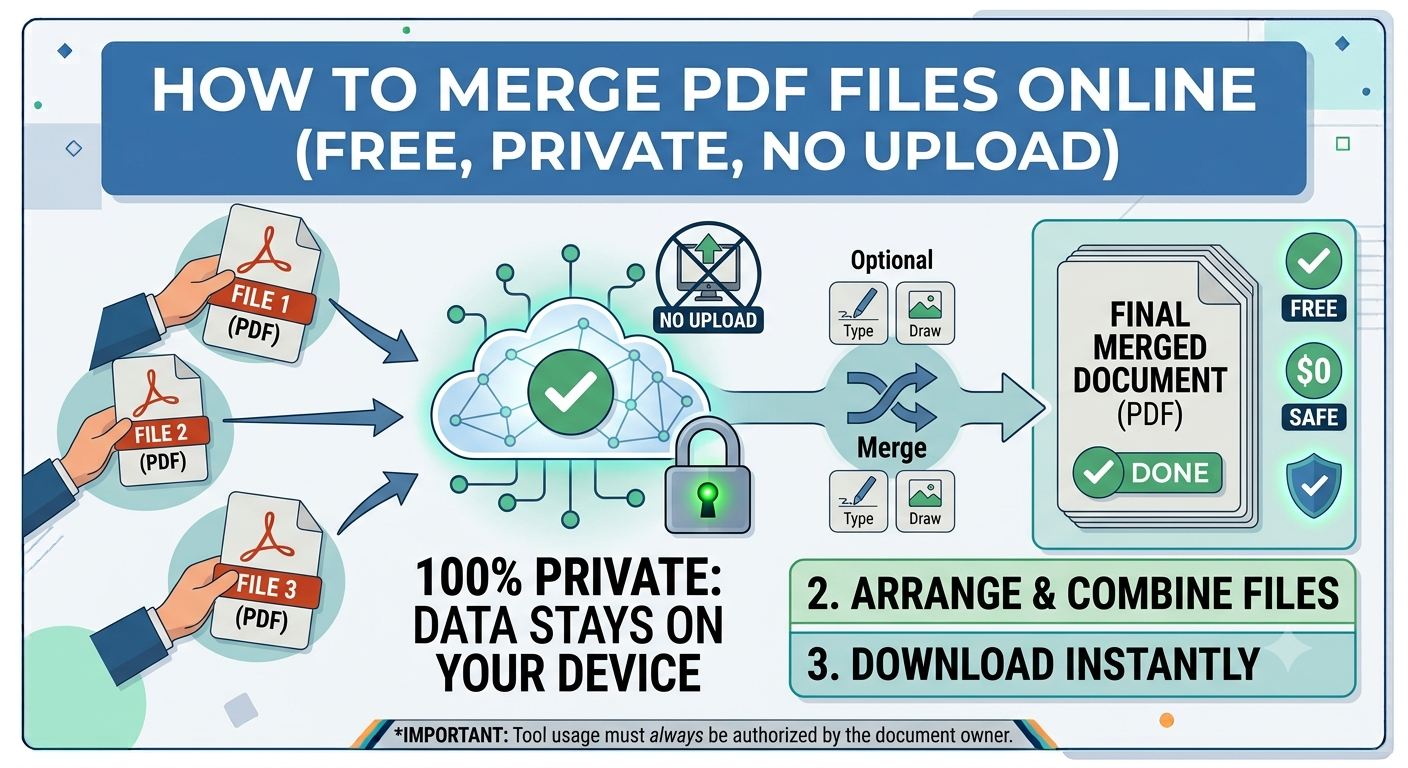
How to Merge PDF Files Online (Free, Private, No Upload)
Learn how to merge PDF files online for free, privately, and without uploading sensitive documents. Fast, simple step-by-step guide.test
Read article →
How to Split a PDF: Extract Pages or Whole Sections
Learn how to split a PDF by extracting individual pages or whole sections. Split a PDF quickly to organize, save, and share only the pages you need.
Read article →
How to Compress a PDF Without Losing Quality
Compress PDF Without Losing Quality with our easy guide. Learn how to reduce PDF file size while keeping text, images, and formatting intact.
Read article →
How to Convert PDF to Word for Editing
Convert PDF to Word with this easy guide. Learn how to turn PDF files into editable Word documents while keeping formatting and content intact.
Read article →
How to Convert PDF Tables to Excel (CSV)
Pull data out of PDFs into a CSV spreadsheet you can open in Excel, Google Sheets, or Numbers. Private, in-browser conversion.
Read article →
How to Sign a PDF with a Drawn Signature
Sign PDF documents with a drawn signature in minutes. Add your handwritten signature digitally without printing, scanning, or complicated software.
Read article →
How to Edit PDFs Without Adobe Acrobat
Add text, annotations, and overlays to any PDF without paying for Acrobat. PDFPuddle's editor runs in your browser.
Read article →
How to Convert JPG to PDF (Single or Multiple Images)
Turn JPG, PNG, or any image into a PDF — combine multiple photos into one document. Browser-based and instant.
Read article →
How to Convert PDF Pages to JPG Images
Render PDF pages as high-resolution JPG or PNG images for embedding, social media, or further editing.
Read article →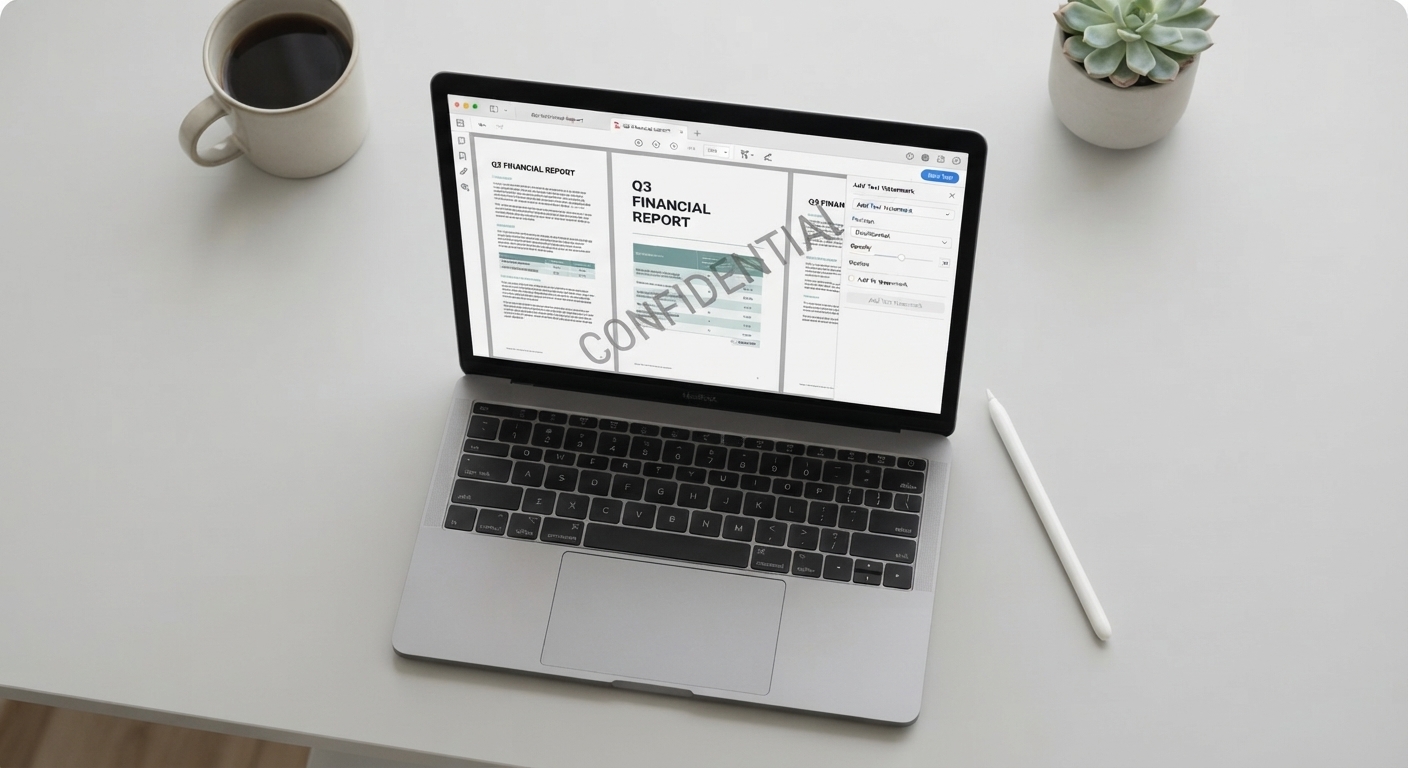
How to Add a Watermark to a PDF
Stamp CONFIDENTIAL, DRAFT, or any custom text across every page of a PDF with control over opacity and angle.
Read article →
How to Rotate PDF Pages (Fix Sideways Scans)
Rotate PDF pages 90°, 180°, or 270° to fix scans that came out sideways or upside down. Lossless, instant, in-browser.
Read article →
How to Reorder, Rearrange, and Delete PDF Pages
Restructure a PDF's pages with simple comma-separated notation. Reorder, delete, and rebuild PDFs in seconds.
Read article →
How to Add Page Numbers to a PDF
Stamp page numbers onto every page of a PDF with control over position, starting number, and font size.
Read article →
How to Redact a PDF (Permanently Remove Sensitive Info)
Permanently black out confidential data in a PDF. PDFPuddle draws opaque rectangles into the page content — not a removable layer.
Read article →
How to Password-Protect a PDF Before Sharing
Add password protection to a PDF to prevent unauthorized viewing. Encrypt sensitive documents before email or cloud storage.
Read article →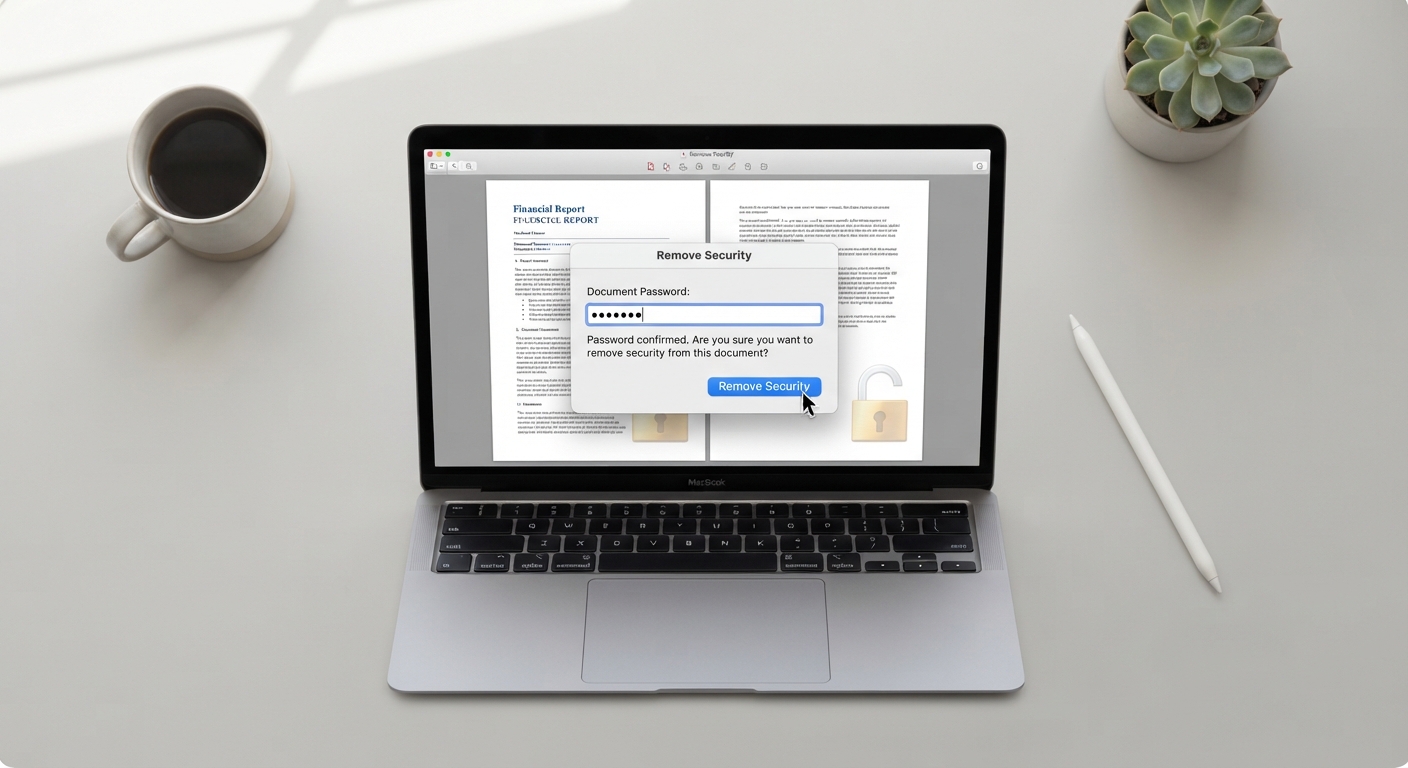
How to Remove a Password from a PDF (You Have)
Remove password protection from a PDF you have the password for. PDFPuddle decrypts client-side — never uploads your file.
Read article →
How to OCR a PDF (Make Scanned Documents Searchable)
Extract text from scanned PDFs that contain images instead of selectable text. Make documents searchable, copyable, and AI-ready.
Read article →
How to Translate a PDF (Privately)
Extract text from a PDF for translation in Google Translate, DeepL, or any service. Keep the original document private.
Read article →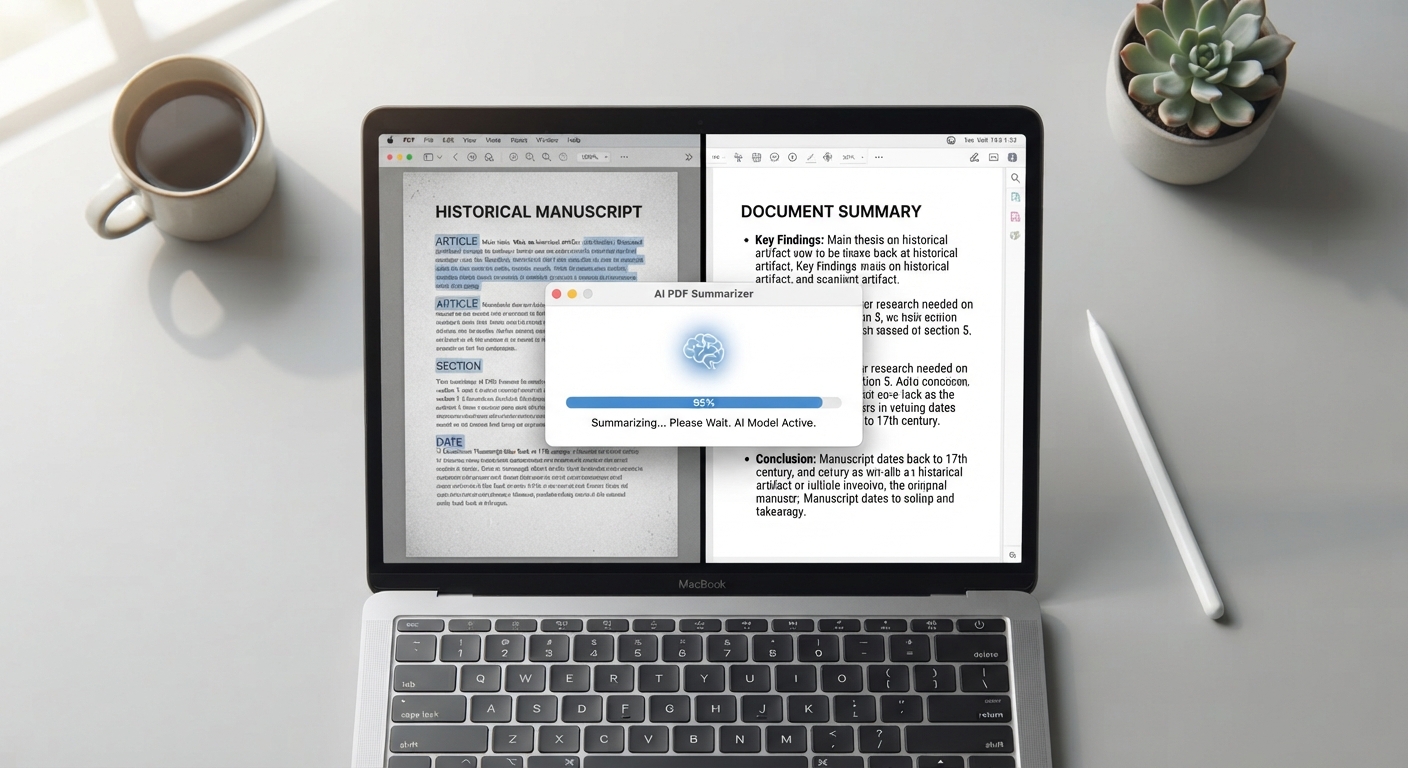
How to Summarize a PDF Using AI
Extract text from a long PDF and feed it to ChatGPT, Claude, or Gemini for instant summarization. A practical workflow.
Read article →
How to Compare Two PDFs (Spot Changes Between Versions)
Render two versions of a PDF side by side at high resolution to spot differences. Useful for contract revisions and document proofing.
Read article →
How to Crop PDF Pages and Trim Margins
Remove excess white space, trim margins, or crop a PDF to a specific size. Lossless, in-browser, instant.
Read article →
How to Repair a Corrupted PDF File
Recover content from damaged PDFs that won't open. PDFPuddle re-parses and re-serializes broken files to recover what's recoverable.
Read article →
What is PDF/A and How to Convert (For Long-Term Archives)
PDF/A is the ISO standard for archival PDFs — self-contained, fonts embedded, guaranteed to render in 50 years.
Read article →
How to Scan Documents to PDF Using Your Phone
Turn phone photos of documents into clean multi-page PDFs. No dedicated scanner app required.
Read article →
How to Convert HTML and Web Content to PDF
Turn HTML markup, web snippets, or .html files into clean PDFs. Useful for archiving emails, reports, and rendered templates.
Read article →
How to Convert Word to PDF (Without Microsoft Office)
Convert .docx, .doc, or .txt files to PDF directly in your browser. No Microsoft Word installation required.
Read article →
How to Convert PowerPoint to PDF for Sharing
Turn .pptx presentations into PDFs that display identically on every device. Browser-based, no PowerPoint required.
Read article →
How to Convert Excel to PDF for Reports
Turn .xlsx, .xls, or CSV spreadsheets into PDF documents that lock formatting and prevent accidental edits.
Read article →How to Convert PDF Pages to PowerPoint Slides
Render PDF pages as high-resolution slide images for import into PowerPoint, Google Slides, or Keynote.
Read article →Why You Should Care Where Your PDFs Are Processed
Most online PDF tools upload your documents to a server. Here's what that means for privacy, security, and compliance.
Read article →PDF vs DOCX: When to Use Which Format
Both formats serve documents, but they're optimized for different things. A practical guide to choosing.
Read article →How to Get a PDF Under 25MB for Email
Three techniques for shrinking large PDFs to fit Gmail, Outlook, and other email attachment limits.
Read article →PDF Accessibility: Making Documents Readable for Everyone
Best practices for creating PDFs that work with screen readers, support keyboard navigation, and meet accessibility standards.
Read article →Are Electronic Signatures Legally Binding?
A practical look at e-signature laws — ESIGN, eIDAS, ECTA — and what makes a signature legally valid.
Read article →How to Edit Word Documents Without Microsoft Word
Open and edit .docx files in your browser without installing Office. Useful for Chromebooks, shared computers, and quick edits.
Read article →How to Edit PowerPoint Presentations in a Browser
Edit .pptx files without PowerPoint installed. Make slide edits on Chromebooks, mobile, or shared devices.
Read article →